

The Best Restaurant Online Ordering Solution
Create your restaurant website’s online ordering menu quickly and easily with the online ordering system for WordPress, Orderable.
Orderable is reliable, easy to set up, and simple to use. All you have to do is customize it to suit your restaurant business and watch orders come in.
Save time with the one WordPress plugin that does it all
Orderable takes care of everything you need for your online ordering platform. Enter your restaurant’s details, add menu items and customization, set up delivery and pickup options, and you’re ready to go. Orderable even installs WooCommerce for you!
Designed for ease of use, Orderable allows you to get started without hassle and receive online food orders immediately.

Easy setup for your restaurant operations
Our straightforward documentation helps you set up Orderable quickly, making the transition simple and commission-free.

We’re here to help
Our support team is just a few clicks away if you need any assistance.
Set up online food delivery with Orderable
Create your restaurant online ordering system in minutes and get your food delivery started.
Tailor Orderable to your restaurant
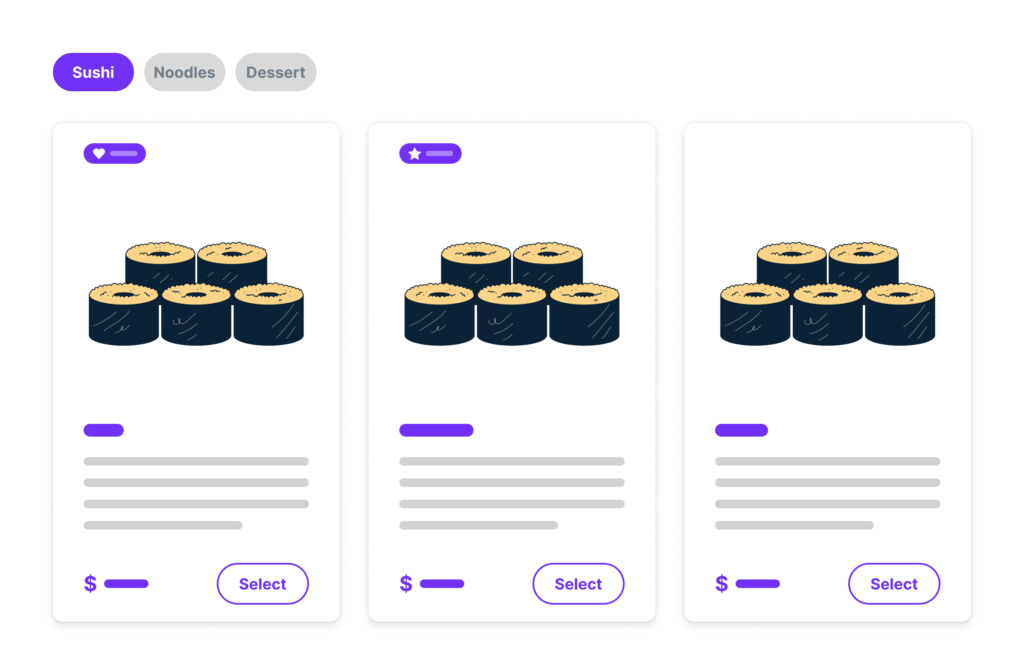
Custom delivery and pickup options
During checkout, let customers choose their own delivery and curbside pickup dates and time slots. This flexibility will help you streamline the ordering process and meet customer expectations at your restaurant.
Product add-ons
Allowing customers to customize their menu items with add-ons. Whether it’s extra toppings, making a dish vegan, or adding sides, you can easily offer more choices.

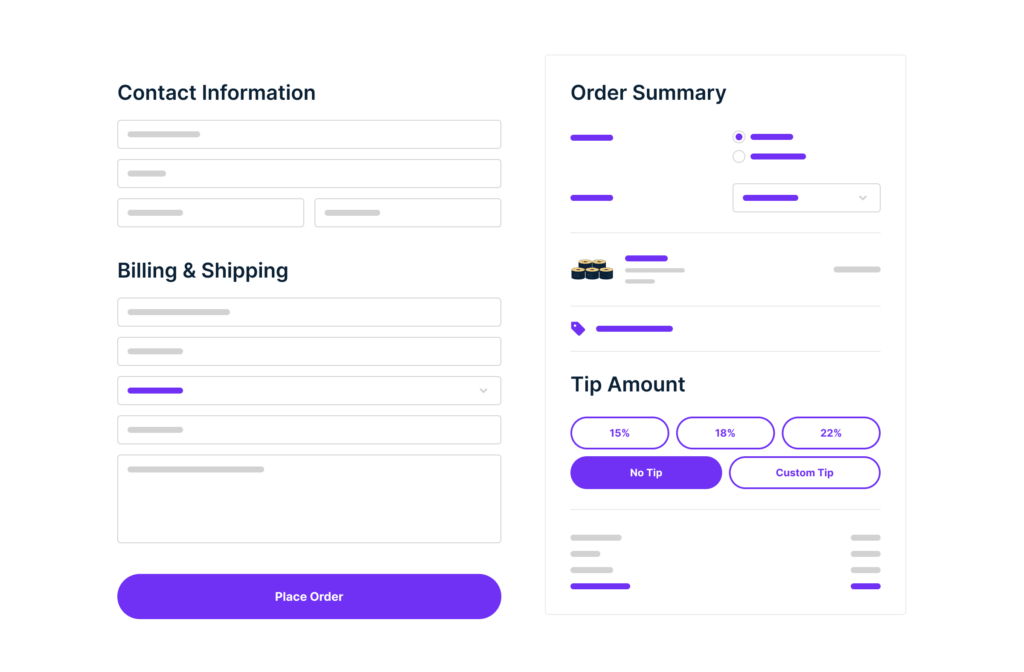
Improved checkout
Transform the WooCommerce checkout to fit your restaurant’s needs. Use a floating cart widget for easy order additions and include optional tipping at the checkout to increase revenue. Orderable works with WooCommerce, so online payments are flexible and customizable.

Multiple store locations
Manage all your in-store restaurant locations from one online ordering system. Customize delivery services, opening times, and more for each location. Customers can select their nearest location for convenience.

Custom order statuses and notifications
Create and customize order statuses like ‘Pepping’ or ‘Quality Control’ to streamline your restaurant delivery orders. Send automated notifications via SMS, WhatsApp, or email to keep customers, admin, and delivery drivers updated.

Product labels for dietary and promotional information
Improve the customer experience by adding dietary labels and promotional product labels to your online menu. Highlight allergens and nutritional information to help customers make informed choices.

QR code table ordering
Offer QR code table ordering and automatically assign in-house tables to online menu orders. Orderable creates the QR codes for you, so all you have to do is print and assign to the correct table.

Mobile ordering friendly
Make ordering easy with our app-like design, perfect for mobile devices. No separate mobile app is required, making it simple for customers to place orders on the go.

Flexible scheduling and holiday settings
Set lead times and preorder days for future orders to ensure you have enough time for in-house restaurant operations. Customize holiday schedules to block out days when you can’t take orders, and set maximum orders per day or time slot.

Better customer communication
Automated reminder emails prompt customers to select their delivery/pickup slots, ensuring a smooth restaurant online ordering experience.

Cross-selling order bumps
Increase your average order value by suggesting additional dishes in the side cart.
Orderable is designed to meet the specific needs of restaurants, making the restaurant online ordering experience efficient and user-friendly.
From detailed customization options to real-time management features, Orderable provides the best restaurant ordering software for your business.
What restaurants think of Orderable
See why restaurant owners are choosing Orderable as their online ordering solution of choice.
Set up online restaurant delivery with Orderable
Get started with Orderable and give food lovers the option to order from your online store.
Free
All of the essentials to get your restaurant set up and running online.
Pro
All of the essentials, plus revenue-boosting tools, to get the most out of your online store.
$149
1 site
Recurring yearly subscription
Frequently asked questions
Orderable is a restaurant online ordering system that integrates with WordPress to help restaurants manage orders easily. It’s essentially online ordering software in the form of a plugin you add to your WordPress website. No need for an ordering app like Doordash or Grubhub. Everything is managed in one place.
It doesn’t matter if you’re running a small restaurant owner, have an existing dine-in restaurant, or are just starting with takeout. Orderable can be used for businesses no matter their size.
Yes, Orderable works with any well-built WordPress theme and page builder.
Orderable supports any payment gateways you can use with WooCommerce, including credit card payment processing, for a smooth checkout process.
Yes, Orderable offers flexible licensing options for 1, 10, or 25 sites. Or, you can buy one license and use Orderable’s multiple store locations feature to manage them all in one place.


