



Orderable Pro already adds a fast and user-friendly checkout to your online store. However, if you want additional features like address autocomplete, cross-selling at the checkout, and a customizable order complete page, Flux Checkout for WooCommerce is a great option.
In this guide, we’ll show you how they work in combination.
When you download and install Flux Checkout for WooCommerce onto your WordPress site, you’ll notice that the Checkout Settings tab within Orderable will look a little something like this:
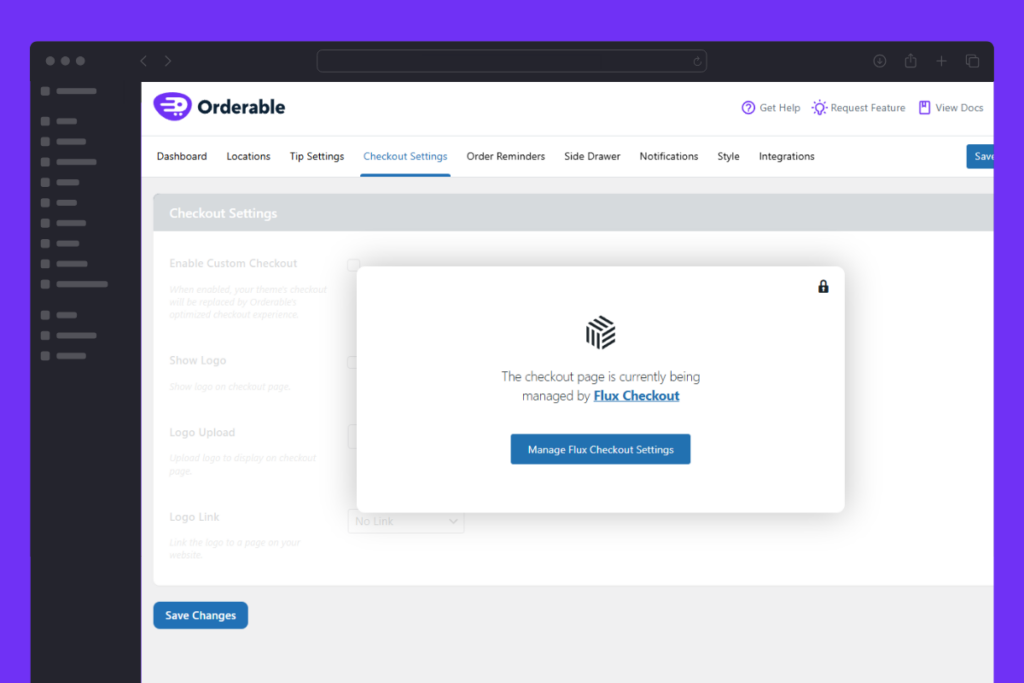
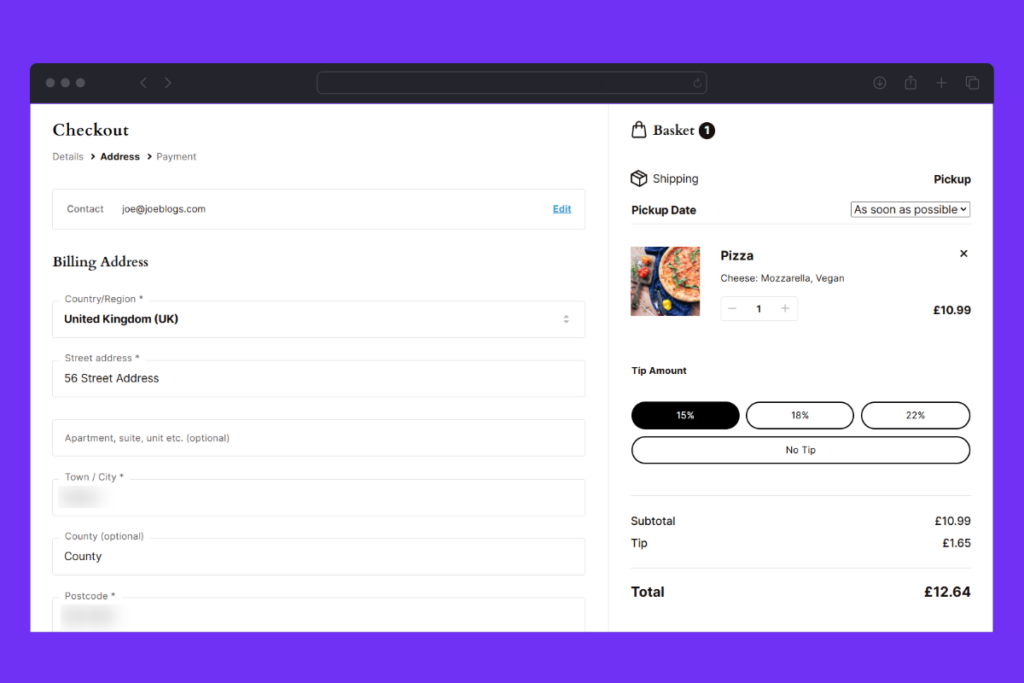
When installed, Flux Checkout will automatically replace Orderable’s checkout, but you’ll keep all Orderable features like delivery/pickup time/date selection, checkout tipping, and more.
Here are some screenshots of what to expect:


Get Your Restaurant Online With Orderable
The WooCommerce plugin designed to help restaurants take orders online – with no added fees!
View Pricing

