

8 Best Restaurant Ordering Systems Compared (2026)

8 Best Restaurant Ordering Systems Compared (2026)


Gina Lucia


If you’re looking to find the best restaurant ordering system for your restaurant business, you’re in the right place.
With so many tools out there, choosing the best one can be tricky. In this article, we’ve rounded up 8 of the best restaurant ordering systems to help narrow down your search.
We’ll walk you through:
- Top 8 restaurant ordering systems (what they’re best for and standout features).
- Common questions restaurant owners ask.
- Our final verdict.
Studies show that restaurants that offer food deliveries can increase sales by 10-20%. All it takes is using the right restaurant ordering system. One that makes it effortless for customers to order, pay, and get their food fast.
So, let’s start with a quick overview of our top picks.
This guide was last updated for 2026 and includes actively maintained, compatible plugins or systems.
8 restaurant ordering systems (in detail)
The following are the best restaurant ordering systems for 2026, trusted by us for their performance, reliability, and ease of use. We’ll cover what each system is best for and the key features that make it stand out.
Let’s start with the first one on the list.
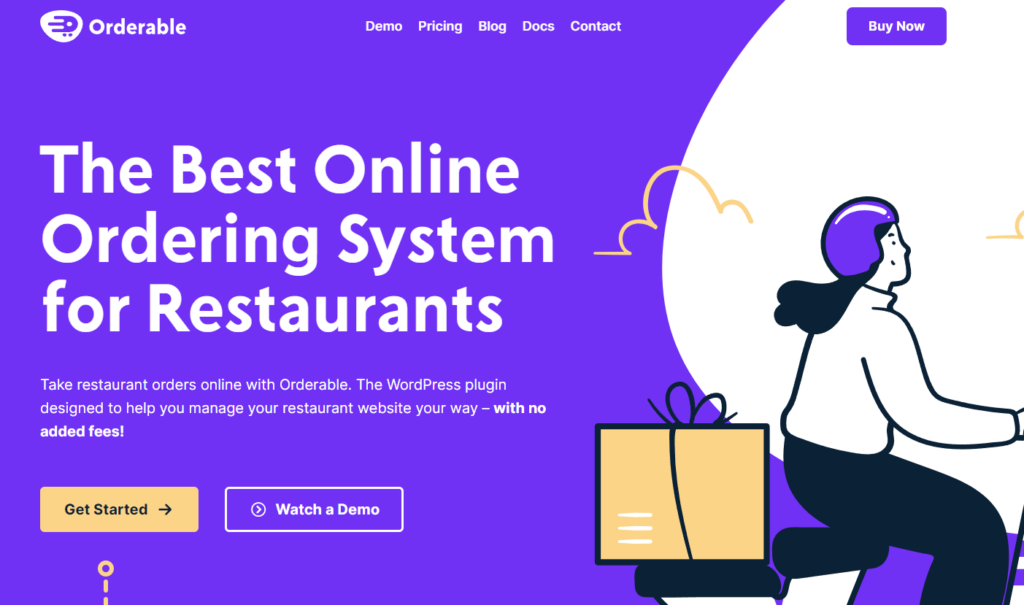
Online ordering system 1: Orderable
Best for: Managing your own ordering process with WooCommerce.
Price: Free version available. Pro plan is $149/year (with a 30-day money-back guarantee).
Orderable lets you run online ordering from the site you already own. No marketplaces, no commissions, just your menu and your rules. Set it up once, then take pickup, delivery, takeout, and table orders with a flow that feels natural for guests on mobile.
You stay in control of the pace with time slots, lead times, order limits, blackout dates, and pre-orders for busy days. That means fewer bottlenecks and a calmer kitchen.
It plugs straight into WooCommerce, so payments are simple and familiar. Customers can customize dishes with add-ons, tip at checkout, scan a QR code at the table, and you can print kitchen tickets and receipts. Growing later is easy too, with tools for multiple locations when you need them.
Why we love it:
- No commissions, ever.
You keep 100% of your profits instead of paying delivery app fees to platforms like Uber Eats and DoorDash. - Easy order management.
Includes support for multiple restaurant locations, live order view, receipt printing, custom order statuses, and automatic notifications via SMS, email, or WhatsApp. - Create customer-conscious menus.
Add allergen & nutritional info, dietary labels, and promotional tags. This makes it easy for customers to find what they want and feel confident ordering. - Smart scheduling controls.
You can manage pickup/delivery date and time slots, lead times, preorder days, holiday schedules, and daily order limits. This ensures your kitchen stays organized and never overwhelmed. - Built for WordPress.
It integrates seamlessly with multiple payment gateways, marketing tools, POS systems, inventory management tools, kitchen display screens, and other plugins. - Proven sales-boosting features.
Increase your average order value with product add-ons, checkout tipping, and cross-sells using order bumps. - Quick custom checkout.
It transforms the WooCommerce checkout page into one specifically designed to suit your restaurant website. - Versatile ordering system.
Restaurants, cafés, bakeries, takeout spots, or any food business looking to manage its own online food ordering in-house can use it.

Take note: This plugin installs WooCommerce for you if you haven’t done that yet. There are no setup fees. They have a customer support team ready to help in case you bump into an issue.
Bottom line: Orderable provides all the features you need to manage your restaurant’s online orders, customer data, and deliveries. Even better, you’ll have full control of the system and never have to pay commissions. Orderable only charges you per year, not per month, unlike some of the other systems on our list.
Get Your Restaurant Business Online With Orderable
Orderable is a user-friendly WordPress plugin that adds online ordering to your restaurant website.
Add your dishes, create your online ordering menu, customize your delivery schedule, and manage orders with ease.


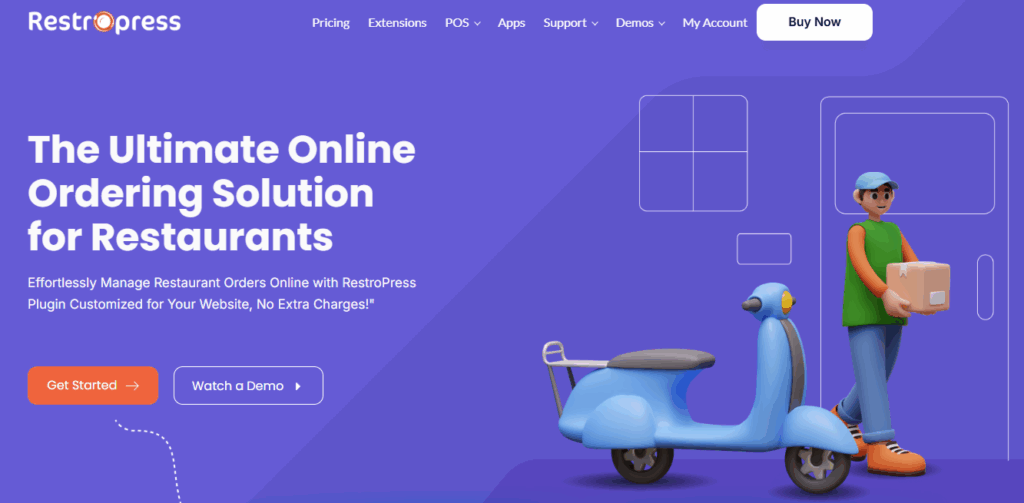
Ordering system 2: RestroPress
Best: Standalone WordPress ordering system.
Price: Free (Pro plan starts from $299/year but has limited features).
RestroPress isn’t a one-price, all-features plugin like Orderable. While it lets you manage orders on your WordPress site commission-free, many core features of a restaurant ordering system are locked behind higher-priced plans or paid add-ons.
You’ll need to pay extra for essentials like table ordering, delivery fees, receipt printing, and WhatsApp notifications.
Still, RestroPress is a solid option for WordPress restaurants that want a direct way to take online orders without relying on WooCommerce.
Read this page on Orderable vs. RestroPress to learn the differences between these two ordering software in detail.
Why we like it:
- Covers basic needs. RestroPress provides features to manage pickup, delivery, and takeout. This can give you an easy way to start accepting online orders without a complicated setup.
- Add-on flexibility. You can expand your system with optional integrations like POS, kitchen display screens (KDS), driver apps, loyalty programs, and multi-location management.
- Standalone setup. It works independently of WooCommerce, which makes it simpler and easier to maintain.
- User-friendly dashboard. Orders, customers, and delivery settings are all managed from one clean backend dashboard, which helps speed up daily operations.
Take note: This platform is one of the most costly options in this list after GloriaFood. And the cost can still quickly add up as you scale and buy more add-ons. If you’re a restaurant on a budget, you can get a more complete ordering system in Oderable at a single price. This is way more budget-friendly than RestroPress.
In short: RestroPress gives you a standalone way to accept and manage online food orders in WordPress. That makes it ideal for restaurants that don’t want WooCommerce functionality to process orders, payments, or manage products.
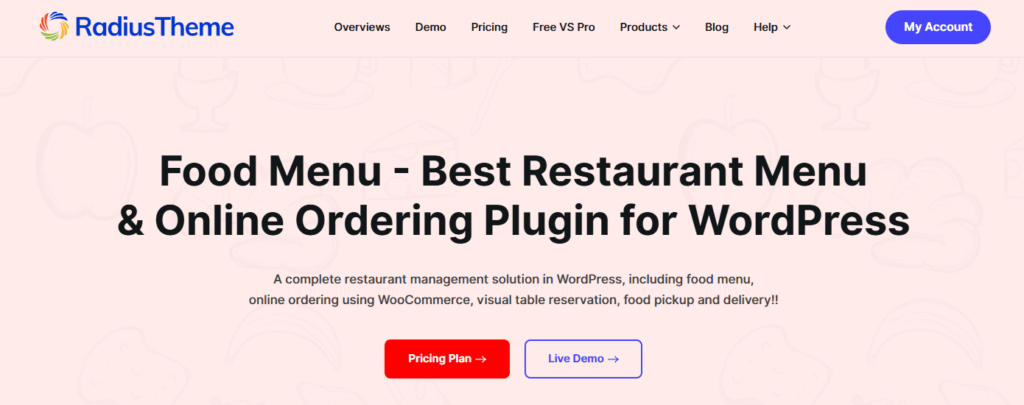
Online ordering system 3: Food Menu Pro
Best for: Displaying stylish, detailed menus without needing a full online ordering or delivery system.
Price: From $39/year.
As the name suggests, Food Menu Pro is much more focused on menu presentation than full online ordering. You can organize menu items into categories, add pricing, descriptions, nutritional details, reviews, and images, and customize various menu layouts.
It integrates with WooCommerce for online ordering, but it’s not a full ordering system out of the box. You’ll need to manually set up and connect WooCommerce features like delivery, pickup, and payment options before it’s ready for real orders.
Check out this page on Orderable vs. Food Menu Pro to understand the differences between these two ordering software in detail.
Why we like it:
- Flexible customization. Display your food menu with various layout options, including grid, list, slider, and an isotope filter that lets customers filter menu items by category.
- Easy menu management. Easily create, update, and organize your restaurant menu and ensure your food menu remains always up-to-date and eye-catching.
- Supports several page builders. This includes Gutenberg, Elementor, and WPBakery via shortcode to easily create the best restaurant menus.
- Visual table reservations. Allow customers to select tables and chairs through an interactive layout of your restaurant’s seating arrangement.
- Restaurant sales made easy. Boost your sales and AOV with product add-ons, special menu discounts, and tipping at checkout.
Take note: Food Menu Pro doesn’t include built-in order management, delivery scheduling, or payment processing. You’ll need to pair it with other WooCommerce plugins to make the ordering process more complete.
Quick note: Their menus don’t include allergen information, dietary icons, or promotional product labels like you can with Orderable.
Here’s the key takeaway: Food Menu Pro is your go-to solution if the goal is to display beautiful menus online rather than manage the full ordering experience.
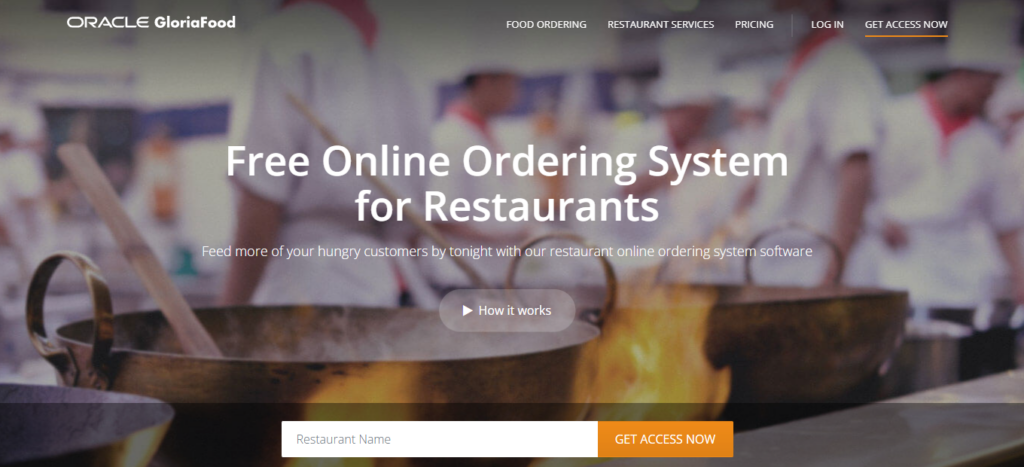
Restaurant ordering system 4: GloriaFood
Best: Free online ordering system.
Price: Free (each premium feature sold separately).
With GloriaFood, you get a free online ordering system with unlimited orders. This sounds great when you’re just getting started. The free plan even includes perks like table reservations, mobile ordering, scheduled orders, reports, and support for multiple locations. It’s a generous starter pack.
The catch is that all advanced tools come as paid upgrades. And you’ll pay separately for each extra feature. For example, you pay:
- $29/month to process online credit card payments.
- $49/month to connect to your point of sale (POS) system.
- $59/month for a branded mobile app (or keep GloriaFood branding).
The list goes on.
But why do we like it?
It offers:
- A Generous free plan. Unlimited orders, table reservations, real-time order confirmation, order-ahead options, all free. This is their main selling point.
- Quick setup. You can add a simple widget to your WordPress, Wix, or Squarespace website. Or connect to your Facebook page and start taking orders in minutes.
- You own your data. Full access to customer data, including names, emails, and order history. Ideal for running email marketing campaigns or building customer loyalty.
- Marketing tools included. Get a flyer generator and first-order discount promotions even on the free plan.
- Scheduled orders. You can take customer orders 24/7 and increase revenue without extra staff time.
Take note: GloriaFood gives you a lot upfront. But costs can add up quickly once you need payment processing, branded apps, POS integrations, sales-optimized website, promotional marketing, etc. Each feature is paid for separately every month for a single restaurant location.
In short: A great free starting point for accepting online orders with zero setup fees or commissions. Just be ready for upgrade costs later.

Online ordering system 5: Square Online
Best for: Restaurants already using Square POS.
Price: Free (Premium plan starts from £29/month)
Is your restaurant business already using Square for payments or POS? If so, then adding Square Online is a natural extension. It lets you manage online and in-person orders from one connected system instead of juggling between apps or dashboards.
You can also link Square Online to the Order Food buttons on Facebook and Instagram. This lets your customers order directly from your social media pages.
Payments are seamless, too, with support for Square Pay, Apple Pay, Clearpay, and Google Pay.
Why we like it:
- Full integration with Square POS. Online orders flow straight into your Square POS system for effortless order management.
- Flexible fulfillment options. Offer pickup, local delivery, dine-in via QR codes, or scheduled orders, however your customers prefer to order.
- Smooth checkout experience. Accepts multiple payment methods (Apple Pay, Google Pay, Square Pay, etc.), supports saved payment info, and enables quick reorders.
- Mobile-ready design. Your online ordering page automatically adapts to any screen size for a frictionless experience.
Take note: Square charges a small processing fee of 1.4% + 25 pence (a flat rate) for UK cards and 2.5% + 25p for non-UK cards on each online transaction. The good news? You only pay when you make a sale. You can also lower these fees by upgrading to the Premium plan, which includes discounted processing rates and other perks.
Here’s our verdict: Square Online is best if you already use Square. Adding online ordering keeps everything from sales, items, and inventory to your customer data perfectly synced within your existing Square dashboard.

Restaurant ordering system 6: Toast
Best for: Setting up an online ordering software bundled with POS, KDS, and handhelds.
Price: From $80/month.
Toast combines POS, online ordering, payments, and delivery in one big system. It’s a hardware-based system, too. That means you’ll need Toast’s own POS terminals and handheld devices to get started.
You can take online orders either through your website or a branded Toast app. Orders sync automatically with your POS and kitchen display system (KDS) to keep everything running smoothly. It also supports integrations for inventory, payroll, and loyalty programs.
Why we like it:
- All-in-one setup. Toast isn’t just an add-on. It handles online orders, POS, delivery, and payments under one platform.
- Seamless kitchen operations. Orders go straight from the POS to a kitchen display system. This reduces order mistakes and speeds up service.
- Contactless dining. Supports QR code ordering and payment for faster table turnover.
- Actionable insights. Real-time reports, menu tracking, and customer analytics help you spot trends and optimize operations.
- Multi-location support. Manage menus, staff, and performance for multiple restaurant locations from one dashboard.
Take note: Toast needs its own hardware, like POS terminals, handhelds, and accessories. So if your restaurant only needs a simple online ordering system, Toast might be more than you need. Setup and hardware costs can really add up quickly as well.
To summarize: Toast is a powerful choice for restaurants that already use or plan to use Toast POS. It ties together every part of your operations, from orders to delivery, into one connected system.

Online ordering system 7: Ordingo
Best for: Web-based online ordering platform.
Price: Custom pricing (based on business size and features).
Ordingo is a simple, web-based online ordering platform designed for restaurants that don’t want to deal with monthly subscriptions. You just sign up, upload your menu, set your hours, and start taking cash orders, all for free.
If you already have a website, you can drop in a button or link that sends customers straight to your Ordingo ordering page. Easy.
Why we like it
- Custom branding. Comes with an interactive brand manager so you can match your colors, fonts, and logo
- Solid online ordering tools. Manage menus, delivery zones, reports, and multiple store locations all from one clean dashboard.
- Flexible payment options. Accept debit and credit cards, Apple Pay, and Google Pay with built-in payment support.
- Optional expert setup available. If you’d rather not do it yourself, Ordingo’s team can fully set it up for you for £599 + VAT (one-time fee).
Take note: There’s no setup or monthly fee, but you’ll pay a flat 2.9% + 20p per card transaction (excluding VAT). Still, that’s the only cost you’ll face.
Bottom line: Ordingo is a solid, no-strings-attached option for restaurants that want to take online orders without paying monthly fees.
Ordering system 8: UpMenu
Best: Restaurant menu plugin + online ordering solution.
Price: From $89/month (Depends on the plan you select).
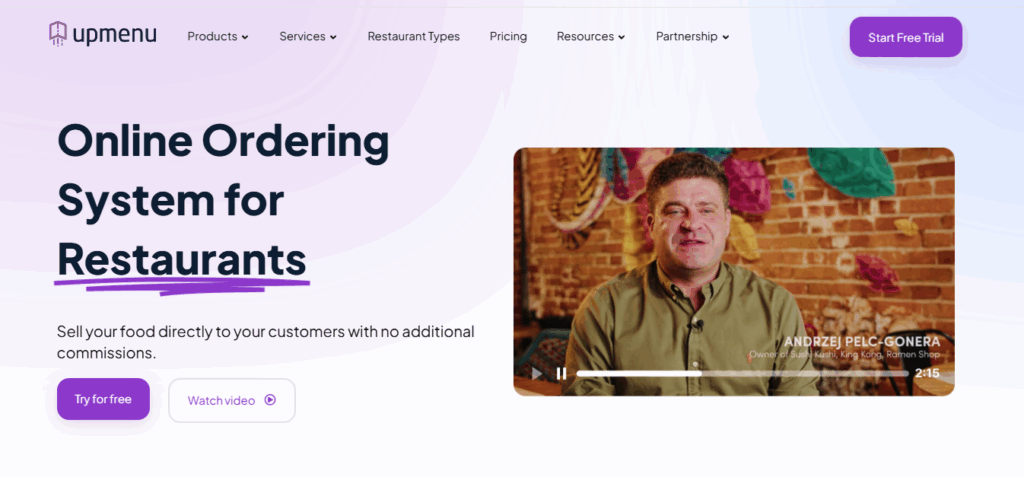
UpMenu is both a restaurant menu plugin and an online ordering system rolled into one. Customers can place orders directly from your website, at their tables via QR code, or through your branded mobile app.
Beyond online ordering, UpMenu doubles as a marketing tool. You can run SMS and email campaigns, create loyalty programs, issue gift cards, and collect customer feedback to boost repeat orders and customer satisfaction.
Why we like it
- Commission-free direct ordering. Customers order directly from you, not a third-party app that takes a cut.
- Customizable website and mobile app templates. Comes with a website builder so you can design a branded restaurant site in minutes.
- Unified menu + order management. Manage menus, delivery zones, pick-up options, and analytics all in one dashboard.
Take note: With UpMenu, you can deliver food without hiring drivers or covering vehicle maintenance expenses. It integrates with third-party fleets like Glovo or Uber Direct to handle deliveries for you.
Here’s the bottom line: UpMenu is an all-in-one with serious marketing and loyalty tools. It’s a monthly subscription, and extras can stack, so costs add up over time. If you genuinely want and need the advanced suite: site, ordering, CRM, campaigns, loyalty, and optional delivery integrations, the investment makes sense. If you’re only after straightforward online ordering, it may be more than you’ll use.

Restaurant ordering system FAQs
The best system depends on your restaurant’s size, needs, budget, and how you operate. For example, if you already use WooCommerce, Orderable is a great choice. For larger restaurant chains or franchises, systems like Toast may be better suited since they include hardware options. Generally, the key is to choose a system that fits your workflow, doesn’t take commission on orders, and integrates easily with your POS and website.
Most of the digital ordering platforms we’ve covered are WordPress plugins. To set one up, install and activate the plugin. From there, you’ll be guided through steps like entering your business information, adding your menu items, setting your service type, and choosing your business hours for each day of the week. The basic setup is usually free.
This setup process works differently for web-based platforms, which often require you to sign up for an account and configure your menu online. So, always check the documentation or setup guide of your preferred tool to make sure everything runs smoothly.
Ordering systems improve customer experience by letting them order food online in the comfort of their homes, offices, or workplaces. This ordering process is usually fast, and customers can customize their meals with various add-ons. Features like real-time updates, order notifications, loyalty programs, and delivery tracking even make the whole process more convenient.
Pricing varies a lot depending on the platform and what your restaurant needs. In our list, Orderable Pro stands out as the most budget-friendly option. It includes all features under one flat yearly price. Other systems tend to cost more and often require paid add-ons or plan upgrades to unlock essentials like multi-location support, table ordering, or receipt printing. Food Menu Pro may start at a lower pricing point, but it’s missing many of the features needed for a full-service online ordering system.
The verdict: Restaurant ordering systems
When it comes to picking an online ordering system for your restaurant, the right one depends on what your business needs most. This can be ease of use, a commission-free system, direct ordering, customization, or simply a good ordering experience.
Here’s a quick recap of our top picks:
- Best value online ordering system for your WordPress site: Orderable
- Best POS-first platform with built-in online ordering: Toast
- Best all-in-one suite if you’re ready to invest: UpMenu
Free Download: Restaurant Business Plan Template
Want to start your restaurant business without jumping through heardles? Our free restaurant business plan template will walk you through the steps.

Gina Lucia is our in-house Content Manager at Orderable. She writes articles, user guides, technical documentation, and creates videos on everything WooCommerce and Orderable.
Gina has been working in the WordPress/WooCommerce space since 2012 when she developed WordPress websites for clients large and small.
For the past 8 years, she’s been writing about everything WordPress and WooCommerce, becoming an expert in what makes a WooCommerce store succeed.
When not writing, Gina loves to tend to her vegetable garden, read, or travel to mainland Europe.
Don’t miss out on the latest Orderable news!
Sign up for our newsletter to receive the latest news from the blog, you’ll get pinged every week with a digest of the latest updates.
[fluentform id=”6″]

Related Articles

Restaurant Reputation Management: How to Improve and Manage in 2026
How to Create a Restaurant Website (Step-by-Step Guide)

Why You Should Create a Limited Menu for Your Restaurant
Get Your Restaurant Online With Orderable
The WooCommerce plugin designed to help restaurants take orders online – with no added fees!
View Pricing

