

9 of the Best Online Ordering Systems for Restaurants (2026)

9 of the Best Online Ordering Systems for Restaurants (2026)


Gina Lucia


If you’re looking for the best online ordering system for your restaurant in 2026, this guide is here to help.
Running a restaurant today means you need a seamless way for customers to place orders online. But between third-party fees, clunky platforms, and systems that just don’t fit your setup, finding the right solution can feel overwhelming.
Whether you’re switching from a delivery app, launching your own takeaway service, or just want more control, the good news is: there are better options out there, and many are designed to put you back in charge.
In this guide, we’ll walk you through:
- What makes a good online ordering system for restaurants
- The best online ordering systems in 2026
- Common questions about online ordering platforms
- Our verdict: which one is best for your restaurant?
You’ll come away knowing which system suits your restaurant’s needs and how to choose the one that will help you boost orders, keep more profit, and simplify your workflow.
Let’s start with a quick look at our top picks.
The best online ordering system for restaurants are:
- Best all-in-one ordering system for WordPress restaurants: Orderable
- Best for table reservations with pre-orders: GloriaFood
- Best for online ordering with built-in delivery: Menufy
- Best for native POS integration with in-house menus: Square Online
This guide was last updated for 2026 and includes actively maintained online ordering systems for modern restaurant websites.
What makes a good online ordering system for restaurants?
A great online ordering system should help you run your restaurant more efficiently, serve customers faster, and keep more of your profits.
But not all systems are built the same. Some prioritize delivery marketplaces, others push customers toward their own apps. And many take a cut of every sale. If you’re looking for a system that works for your restaurant, here’s what to keep in mind:
Does it let you keep your profits?
Third-party platforms often take 15–30% in commissions. The best systems let you accept orders directly on your website or store page, with no per-order fees, so you’re not paying extra just to serve your own customers.

Does it support scheduling and time slots?
Look for systems that let customers:
- Choose pickup or delivery times.
- Order in advance for busy periods or later in the day.
- Set lead times and cutoff rules so your kitchen stays in control.
This keeps operations smooth and prevents last-minute bottlenecks.
Can it handle dine-in, delivery, and pickup?
Whether you’re offering takeaway, table ordering, curbside pickup, or delivery, a flexible system should support:
- Multiple ordering types.
- Per-location settings (for multi-location businesses).
- Custom rules based on days, hours, or order types.
Does it help you increase order value?
A smart ordering system allows customers to take orders, sure, but it nudges customers to spend more.
Look for features like:
- Cross-sells and upsells at checkout.
- Tip prompts to boost staff earnings.
- Add-ons and modifiers for full menu flexibility.
Is it easy to manage and customize?
You shouldn’t need a developer to change your hours or update your menu. Prioritize tools that offer:
- A clean admin dashboard.
- Menu builders with drag-and-drop editing.
- Integration with your existing website (especially if you use WordPress).
The 9 best online ordering systems for restaurants

Online ordering system 1: Orderable
Best for: Full control over your restaurant’s online ordering, without commissions or limitations
Price: Free version available. Pro from $149/year (with a 14-day money-back guarantee)
Orderable is our own plugin, and we built it with one goal: to give restaurant owners complete control over their online ordering, without relying on third-party apps or paying per-order fees.
Designed for WordPress and WooCommerce, Orderable helps restaurants take orders for delivery, pickup, and dine-in directly through their own website. It’s fast, flexible, and fully optimized for mobile, so your customers get the kind of ordering experience they expect from big delivery apps, but with none of the commission costs or restrictions.
From real-time availability and time-slot scheduling to smart tipping and built-in upsells, Orderable gives you everything you need to take orders smoothly and boost revenue in the process.
Bottom line: Orderable helps restaurants move away from third-party fees by offering a fully customizable, commission-free ordering system that works on your own site.
Why we love it:
- Delivery and pickup time slots
Set your available hours, lead times, and cutoff rules to stay in control of the kitchen. - Supports delivery, pickup, and dine-in
Let customers order exactly how they want, without needing a separate system for each order type. - Tipping and cross-sells are built in
Increase order value with smart prompts and product recommendations, right in the checkout. - Menu layout control
Easily customize how your menu looks and flows without writing a single line of code. - Fully responsive and mobile-optimized
Looks great and loads fast, so customers can order from anywhere, anytime. - Works with your existing WordPress site
No need to rebuild your site or switch platforms, Orderable installs and integrates seamlessly.
Take note:
Orderable is designed for restaurants already using (or ready to use) WordPress and WooCommerce. If you’re on a platform like Wix or Shopify, you’ll need to migrate or choose a platform-specific solution.
Get Your Restaurant Business Online With Orderable
Orderable is a user-friendly WordPress plugin that adds online ordering to your restaurant website.
Add your dishes, create your online ordering menu, customize your delivery schedule, and manage orders with ease.


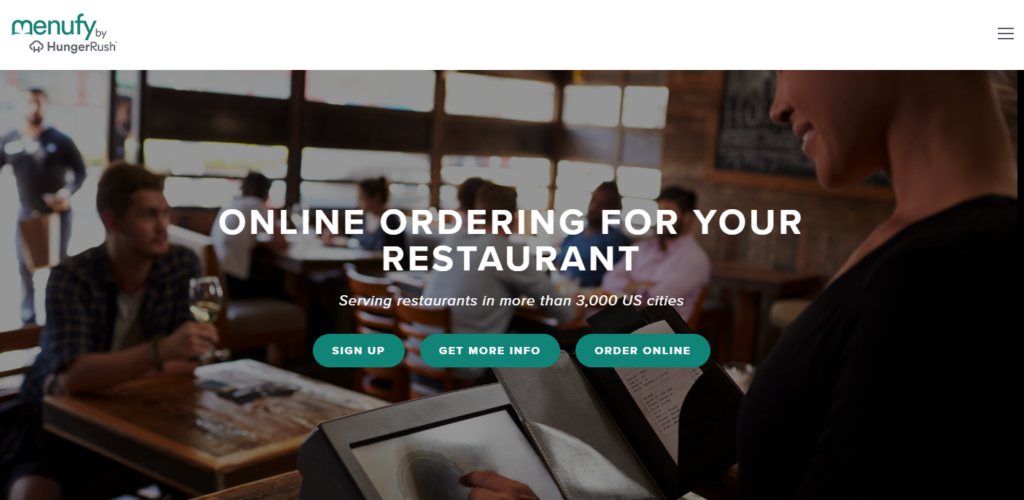
Online ordering system 2: Menufy
Best for: Affordable online ordering with built-in delivery network
Price: $1.75 per order or $99/ month with additional costs for marketing, POS, etc.
Menufy offers a low-cost way for restaurants to accept online orders and offer delivery without relying on major third-party platforms. You get a custom-branded website, access to a nationwide delivery fleet, and the flexibility to choose how you pay: per order or via a flat monthly rate.
It’s a great fit if you want to offer delivery without managing your own drivers, and without giving up a cut of every sale like with apps such as Uber Eats.
Why we like it:
- Built-in delivery network
Menufy connects your orders to a third-party driver network, so you don’t need to hire your own delivery staff. This is part of their custom pricing. - Branded online ordering site with no setup fee
Restaurants get a mobile-friendly ordering site that can run standalone or alongside their main website.
Take note:
Menufy keeps upfront costs low, but features like marketing, POS integration, and premium support may come at an additional fee. It’s best suited to restaurants looking for simplicity and optional delivery without heavy customization.
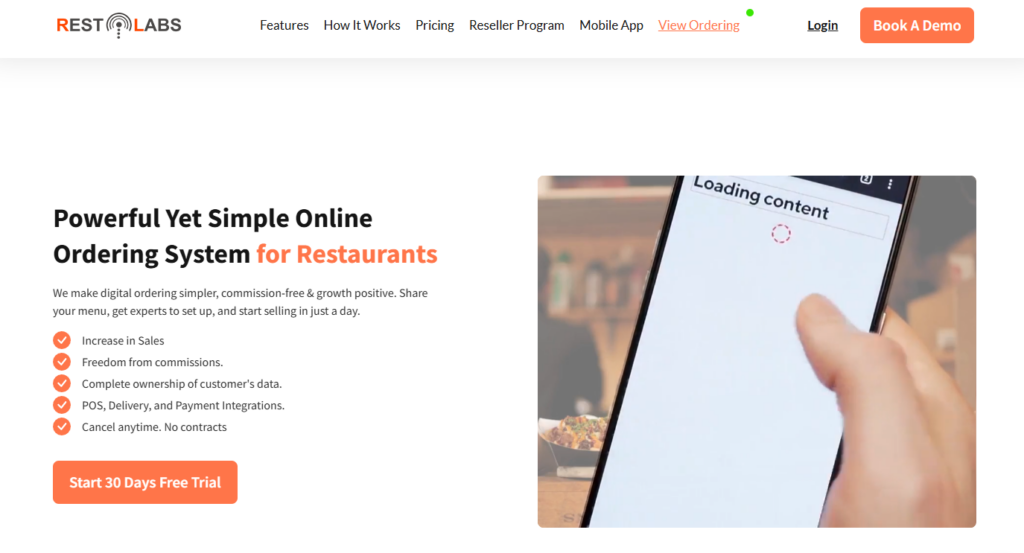
Online ordering system 3: Restolabs
Best for: Custom-branded ordering across multiple channels.
Price: From $45/month (with custom pricing for multi-location restaurants)
Restolabs offers a fully branded online ordering experience with support for web, mobile, and even Facebook ordering. It’s a strong option for restaurants that want to maintain a consistent brand across platforms while handling direct orders without commission fees.
Why we like it:
- Multi-channel ordering (website, mobile, Facebook).
- Supports loyalty programs, coupons, and tipping.
- Custom branding is available on higher-tier plans.
Take note:
Restolabs isn’t built on WordPress, so it won’t integrate directly with WooCommerce or your existing CMS. Best for restaurants starting from scratch or using their hosted storefront solution.
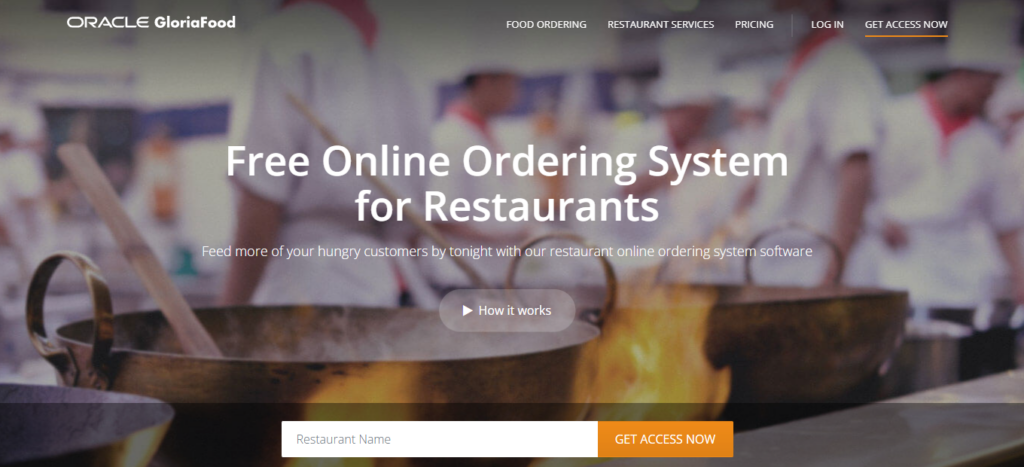
Online ordering system 4: GloriaFood
Best for: Table reservations with pre-orders.
Price: Free core plan (paid add-ons available)
GloriaFood combines online ordering with built-in table reservations, making it a smart pick for dine-in restaurants that want to take pre-orders in advance. Customers can book a table and place their order ahead of time, helping your kitchen plan better and reducing wait times.
Why we like it:
- Supports reservations and pre-ordering in one system.
- Free to get started, with add-ons at a price.
- Good fit for small restaurants focused on dine-in and pickup.
Take note:
While it’s easy to use, GloriaFood is limited in customization and depends on externally hosted pages, so it may not feel fully integrated with your website.

Online ordering system 5: Toast
Best for: All-in-one POS and online ordering for full-service restaurants.
Price: Custom pricing (typically starts around £80/month for core POS features)
Toast is a full restaurant operating system that combines point of sale, online ordering, delivery management, and in-person service tools, all in one. It’s ideal for full-service restaurants, pubs, and cafés looking for an integrated solution that covers both front-of-house and online channels.
Why we like it:
- Unified platform for POS, online ordering, delivery, and kitchen ops.
- Loyalty programs, gift cards, and contactless ordering included.
- Designed specifically for restaurants (not a general ecommerce tool).
Take note:
Toast is a powerful system, but it’s hardware-dependent and not compatible with WordPress or WooCommerce. Best for restaurants ready to commit to a full Toast ecosystem.

Online ordering system 6: Square Online
Best for: Native POS integration with in-house menus.
Price: Free plan available (transaction fees apply); paid plans from £69/month
If you already use Square for in-person payments, Square Online makes it easy to sync your menu and start taking orders online. It’s tightly integrated with Square POS, so your inventory and orders stay aligned without extra setup.
Why we like it:
- Seamless integration with Square’s POS system.
- Free plan to start selling online quickly.
- Good option for food trucks, cafes, or small kitchens.
Take note:
Best suited to simple menus and businesses already using Square, customization and advanced features are limited compared to restaurant-first platforms.
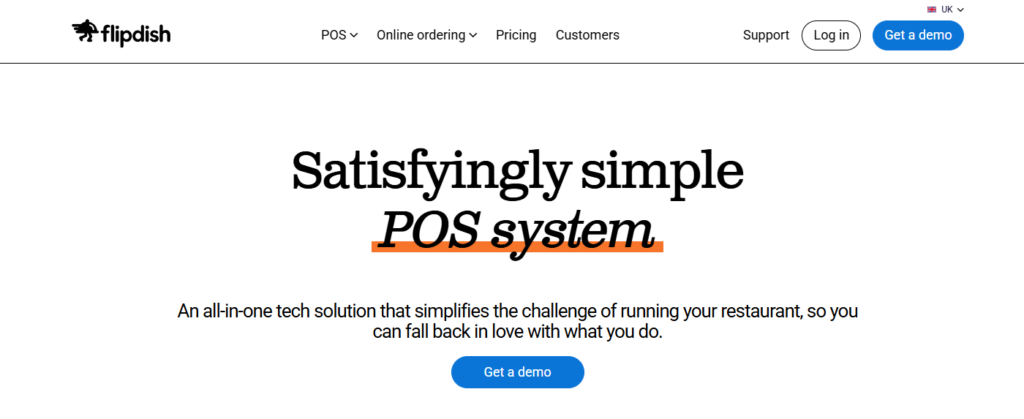
Online ordering system 7: Flipdish
Best for: Franchises and restaurants wanting branded mobile apps
Price: Custom pricing (typically includes setup fee + monthly subscription)
Flipdish offers white-label mobile apps and web ordering systems tailored for chains and franchises. It’s ideal if you want customers to download a branded app and order from their phone, without building it from scratch.
Why we like it:
- Custom-branded apps on iOS and Android.
- Loyalty programs and push notifications.
- Ideal for multi-location restaurants.
Take note:
Best suited for businesses that want a branded app presence. The cost and setup process may be overkill for smaller, single-location restaurants.
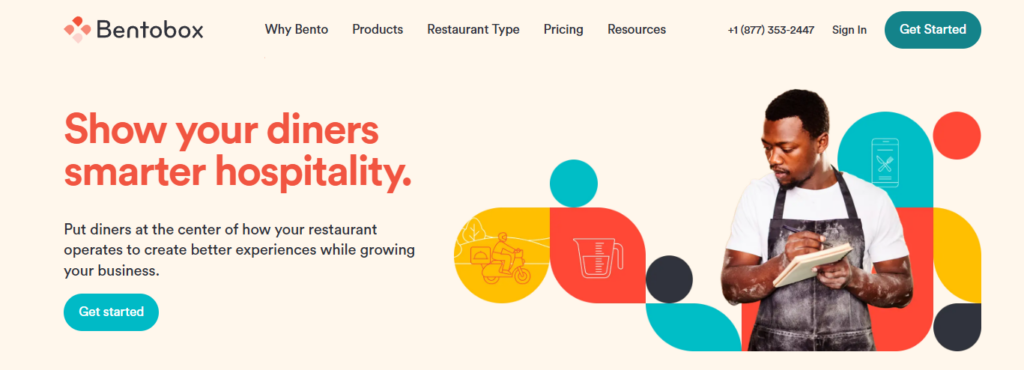
Online ordering platform 8: BentoBox
Best for: Premium restaurant websites with built-in ordering
Price: From ~$149/month (custom pricing available)
BentoBox combines website design with online ordering, reservation management, and marketing tools. It’s popular with restaurants that want a high-end, all-in-one online presence without juggling multiple platforms.
Why we like it:
- Beautiful, fully hosted websites tailored for restaurants.
- Built-in ordering, events, and SEO tools.
- Helpful for restaurants prioritizing design and digital strategy.
Take note:
Not compatible with WordPress. It’s a hosted, standalone solution. Great for hands-off design, but not ideal for those who want ownership or flexibility.
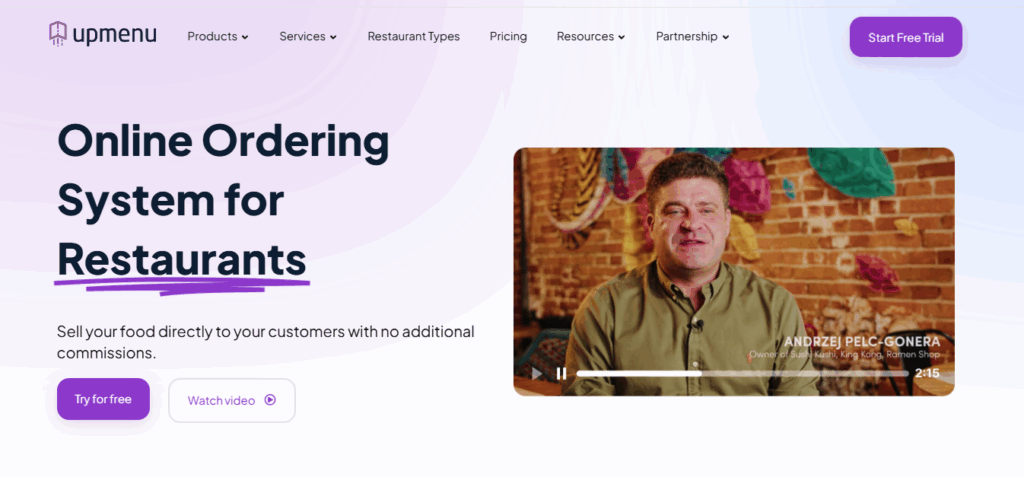
Online ordering system 9: UpMenu
Best for: Restaurants wanting a fully branded, commission-free online ordering and management software.
Price: Basic $49/month per location, Standard $89/month, Premium $169/month; optional add-ons available.
UpMenu is an all-in-one restaurant online ordering and management software that lets you manage your website, branded mobile app, menus, and deliveries from one dashboard. It helps restaurants drive more direct orders through their own websites and apps rather than relying on third-party marketplaces.
Restaurants pay a flat monthly subscription with no commission on direct orders and can add optional features as needed. The solution supports both single-location and multi-location operations, with features such as delivery dispatch, order aggregation, and an advanced loyalty program.
Why we like it:
- Lets restaurants launch a fully branded, ordering-ready website and mobile app.
- Puts online ordering, delivery, dispatch, and all orders for every location into a single dashboard.
- Includes built-in marketing and loyalty tools to drive repeat visits and grow direct sales.
Take note:
UpMenu is a standalone, hosted solution (not a plugin or add-on) layered on top of another platform.

Online ordering system FAQs
What is an online ordering system for restaurants?
An online ordering system lets customers place orders for pickup, delivery, or dine-in through a restaurant’s website or app. It replaces the need for phone calls and third-party delivery apps by giving restaurants direct control over their ordering process.
Do online ordering systems charge a commission?
Some do, but not all. Many third-party platforms (like Uber Eats or Deliveroo) take a percentage of each sale. Others, like Orderable, ChowNow, and Restolabs, offer flat-rate or commission-free pricing, helping restaurants keep more of their profit.
Which online ordering systems are compatible with WordPress?
If you run a WordPress site, your best option is Orderable. It’s built specifically for WordPress and WooCommerce. Other platforms like ChowNow and Restolabs may offer embeddable widgets, but they don’t integrate as deeply with WordPress.
Do I need my own website to use an online ordering system?
Not always. Some platforms, like Toast, Flipdish, or BentoBox, offer fully hosted solutions that don’t require an external website. That said, having your own site gives you more control over branding, traffic, and user experience.
Can I use an online ordering system without changing my POS?
Yes. Systems like Square Online, Restolabs, and Orderable can run alongside your existing POS setup, especially if your POS doesn’t handle online ordering well. Just check whether your chosen platform supports menu syncing or order forwarding.
Do I need a mobile app to take online orders?
Not necessarily. Mobile apps are useful for large chains or repeat customers, but a mobile-optimized website is often faster, cheaper, and just as effective, especially for small restaurants or local spots. Systems like Orderable and Square Online prioritize mobile web ordering instead of requiring a standalone app.
Can I use more than one ordering system at the same time?
Technically, yes, but it’s not ideal. Running multiple systems can lead to conflicting menus, order tracking issues, and inventory problems. It’s better to choose one system that supports all your ordering types (like pickup, delivery, and dine-in) under one dashboard.

Verdict: The best online ordering system for restaurants
Every restaurant is different. The best online ordering system for you depends on your setup, goals, and whether you want to build on an existing site or start from scratch.
Here’s a quick breakdown of our top picks:
- Best all-in-one ordering system for WordPress restaurants: Orderable
Built specifically for WordPress and WooCommerce, Orderable gives you full control over delivery, pickup, dine-in, tipping, and upsells—without relying on third-party apps or paying commission fees. - Best for table reservations with pre-orders: GloriaFood
Ideal for dine-in restaurants that want to let customers book a table and order ahead to reduce wait times and streamline service. - Best for low-cost online ordering with built-in delivery: Menufy
A solid pick for restaurants that want an affordable, ready-to-go online ordering system with integrated delivery options, without needing to set up their own drivers. - Best for native POS integration with in-house menus: Square Online
Perfect if you already use Square POS and want a simple way to take online orders without managing multiple systems.
Get Your Restaurant Business Online With Orderable
Orderable is a user-friendly WordPress plugin that adds online ordering to your restaurant website.
Add your dishes, create your online ordering menu, customize your delivery schedule, and manage orders with ease.
Gina Lucia is our in-house Content Manager at Orderable. She writes articles, user guides, technical documentation, and creates videos on everything WooCommerce and Orderable.
Gina has been working in the WordPress/WooCommerce space since 2012 when she developed WordPress websites for clients large and small.
For the past 8 years, she’s been writing about everything WordPress and WooCommerce, becoming an expert in what makes a WooCommerce store succeed.
When not writing, Gina loves to tend to her vegetable garden, read, or travel to mainland Europe.
Don’t miss out on the latest Orderable news!
Sign up for our newsletter to receive the latest news from the blog, you’ll get pinged every week with a digest of the latest updates.
[fluentform id=”6″]

Related Articles
The Only Restaurant Marketing Tools You Need to Use
How to Sell Food Online in 2026

12 Small Restaurant Ideas to Get You Started in 2026
Get Your Restaurant Online With Orderable
The WooCommerce plugin designed to help restaurants take orders online – with no added fees!
View Pricing

